Skip to image workspace
Prism StudioA little more imagination

Make extraordinary images with
Qwen Image 2.1

Find an idea. Shape your prompt. Explore a whole new image.

Studio preview · explore prompts and prepare references

Your Qwen Image 2.1 creative toolkit

Four ways to move from a first idea to a clear creative direction.

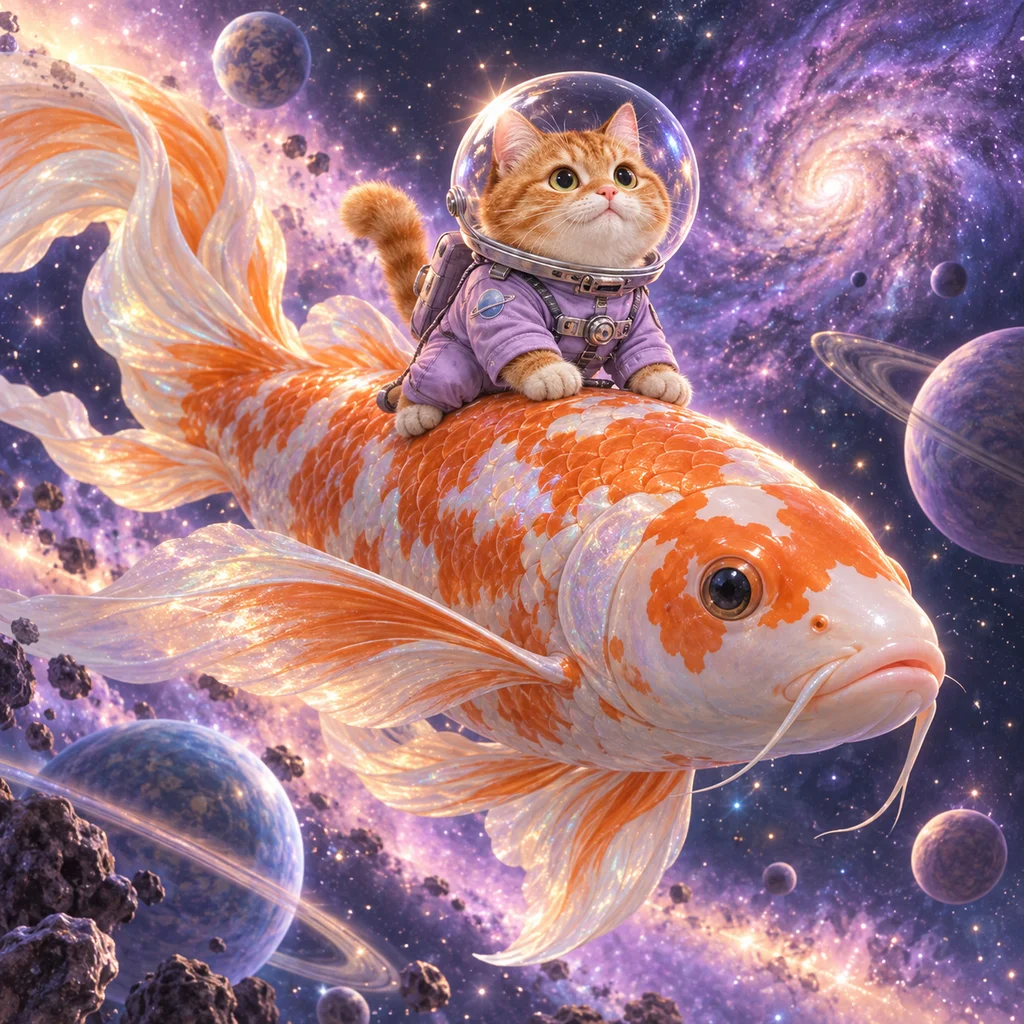
An astronaut cat riding a giant koi through space
Original Prism artwork

An orange tabby astronaut cat riding a gigantic orange-and-white koi fish through a lilac nebula, tiny glowing planets, flowing fins, tactile fur and iridescent scales, premium whimsical 3D animation still, no text.

Let your imagination take the lead

A cat riding a koi through space? A city inside a bowl of ramen? Start with a clear subject, add the atmosphere and lighting, then explore the Qwen Image 2.1 generator workspace.

Open image generator
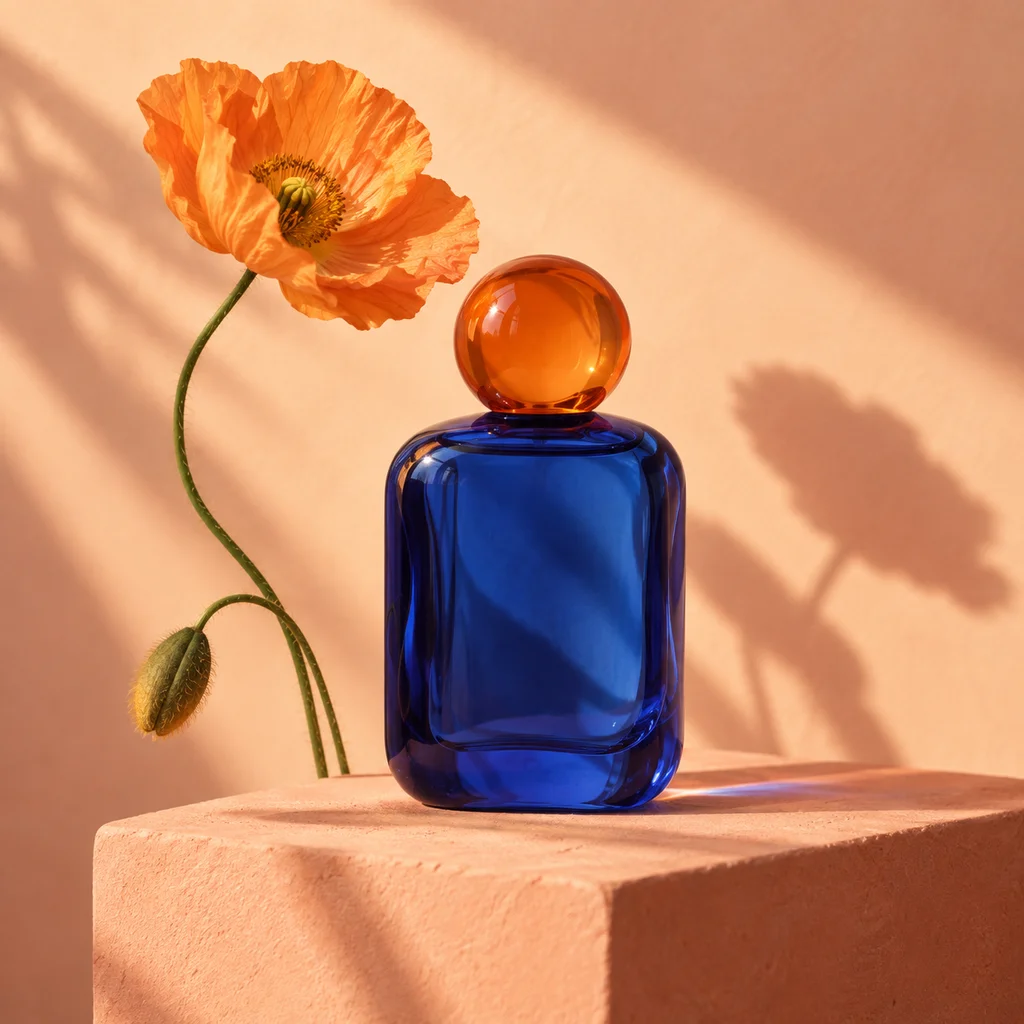
Illustrative studio photograph of a cobalt blue perfume bottle on a peach backdrop
Keep the details. Change the scene.

Preserve the product silhouette, colors and fine details. Replace only the background with a warm peach studio backdrop. Add soft afternoon lighting and a realistic contact shadow.

Give an existing image a new direction

Upload one reference and describe what should stay and what should change. Plan a new background, a different mood or refined lighting while keeping your important details in focus.

Explore image editing
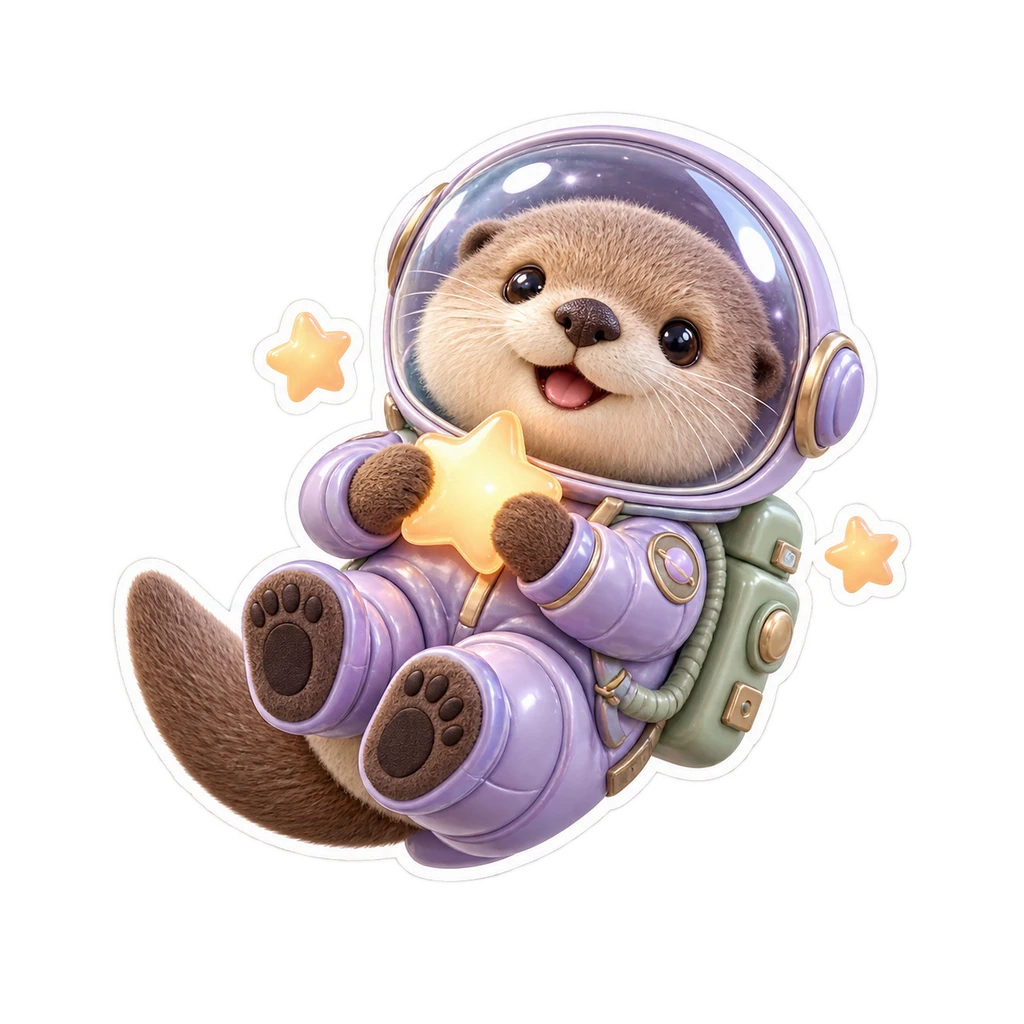
A transparent sticker of an astronaut otter holding a star
A character. No background.

This is an RGBA image with transparency. An adorable sea otter astronaut holding a glowing apricot star, glossy lavender spacesuit, sage green backpack, soft 3D clay toy style, crisp white die-cut outline. The image has alpha channel and the background is transparent.

Create beyond the background

Bring playful characters and design assets into another composition. Transparent mode adds RGBA instructions to your prompt, and our original otter sticker shows how a clean cutout can fit into your design.

Explore transparent PNGs
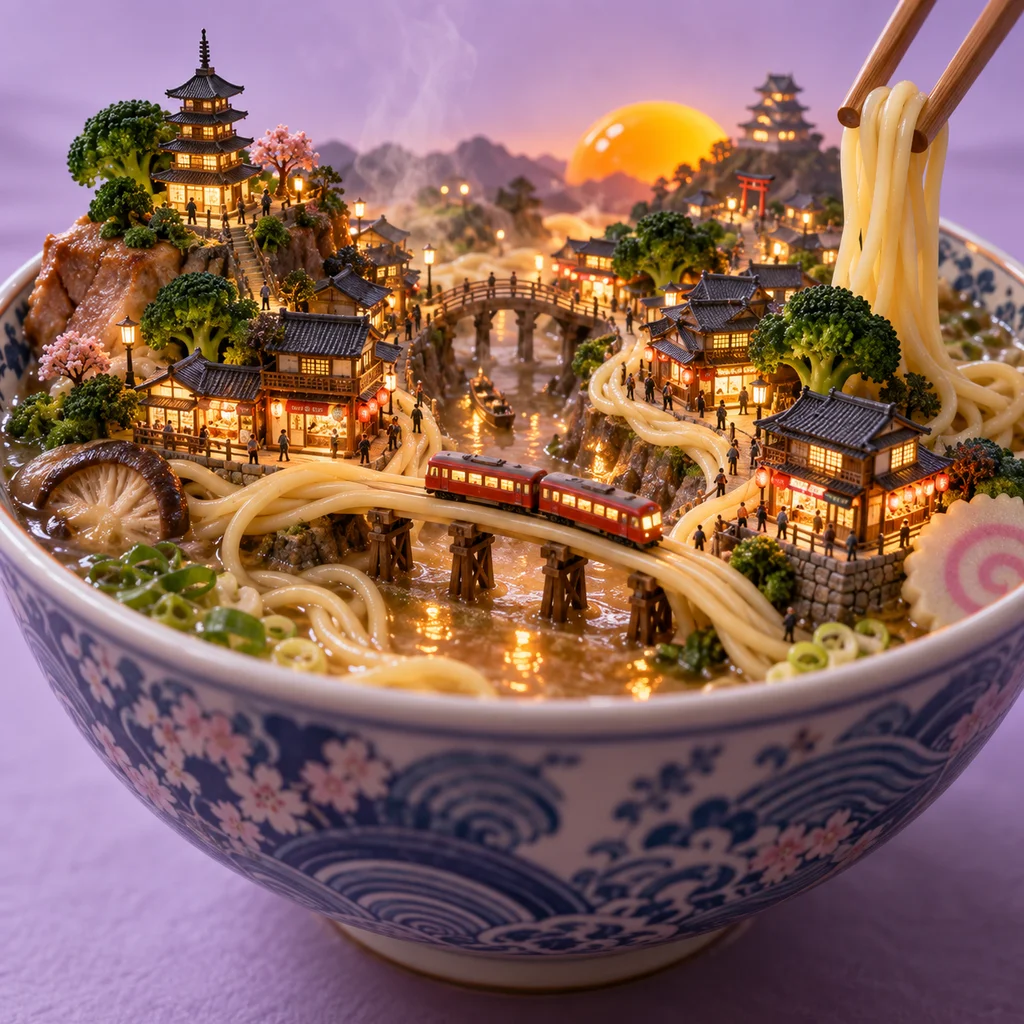
A miniature illuminated city built inside a ramen bowl
Your next idea starts here.

A tiny illuminated Japanese city inside a ceramic ramen bowl, noodle streets and bridges, a red miniature train, broccoli trees and an egg yolk sunset, steaming realistic broth, cinematic macro photography, lavender background, no readable text.

A little inspiration goes a long way

Browse original Prism Studio artwork paired with reusable prompts. Change the subject, color palette or composition, and make each creative direction your own. The examples are illustrations, not model benchmarks.

Browse the prompt library

Make space for your creative projects

Choose a starting point that fits the way you create.

For world builders

Explore impossible scenes, characters and tiny worlds with a detailed creative brief.

For visual storytellers

Prepare image ideas for campaigns, social posts and illustrated stories.

For hands-on designers

Plan reusable transparent assets and careful edits to existing images.

A little clarity

Qwen Image 2.1: frequently asked questions

Practical answers about prompts, image editing, transparent PNGs and using Prism Studio.

What is Qwen Image 2.1?

Qwen Image 2.1 combines text-to-image generation and image editing in one model, with native support for transparent RGBA images. Prism Studio provides an independent interface for exploring these workflows and is not an official Qwen service.

How do I write a good Qwen Image 2.1 prompt?

Start with a clear subject, then add the setting, composition, light, materials and visual style. Keep important constraints explicit, such as no text or preserving a product's shape. Try a prompt card, change one detail at a time, and review the output.

What is the difference between Generate and Edit image?

Generate starts from a text description. Edit image uses an uploaded reference plus instructions about changes. Transparent mode adds instructions for an alpha-channel PNG. Choose the mode that matches the starting material and desired result.

Which aspect ratios can I choose?

The workspace offers 1:1, 16:9, 9:16, 4:3 and 3:4. Use square for product cards, landscape for banners and portrait for mobile compositions. The connected provider determines the final pixel dimensions; a ratio selection is not a fixed-resolution guarantee.

Can I generate images here now, and is it free?

Generation requires sign-in, a connected model service and an available image-credit balance when billing is enabled. Check the workspace connection status. Browsing prompts and uploading references do not spend credits.

How many reference images can I upload?

This first workspace accepts one PNG, JPG or WebP reference image, up to 5 MB. The model's broader multi-reference capabilities are separate from the controls currently available in this interface.

Are the images shown here Qwen Image 2.1 results?

The carousel and prompt cards use original Prism Studio illustrations created for the website. They demonstrate creative directions, not verified Qwen model output or benchmark performance. Actual connected-service results appear separately after generation.

What happens to an uploaded reference image?

Selecting a reference loads it into the current browser workspace. It is sent to the configured generation service only when you submit a real task. You can remove it before submission. Retention and processing after submission depend on that service's privacy terms.

Can I use Qwen Image 2.1 for commercial projects?

Check the model license and your inference provider's terms before commercial use. The current research license requires separate commercial permission. The studio does not grant rights beyond those provided by the model or service.

Your next great idea deserves an image.

Explore the workspace, choose a prompt and make it yours.

Start creating